
EasyPianoGame
Description (IGDB)
A rhythm game which uses MIDI files to allow you to play any piano song. Plays a large number of patterns with various customizable difficulties and numbers of keys.
Description en cours d'enrichissement.
Médias


Informations Steam
Description Steam (Français)
At the moment, the game has 2 game modes:
Falling Notes mode
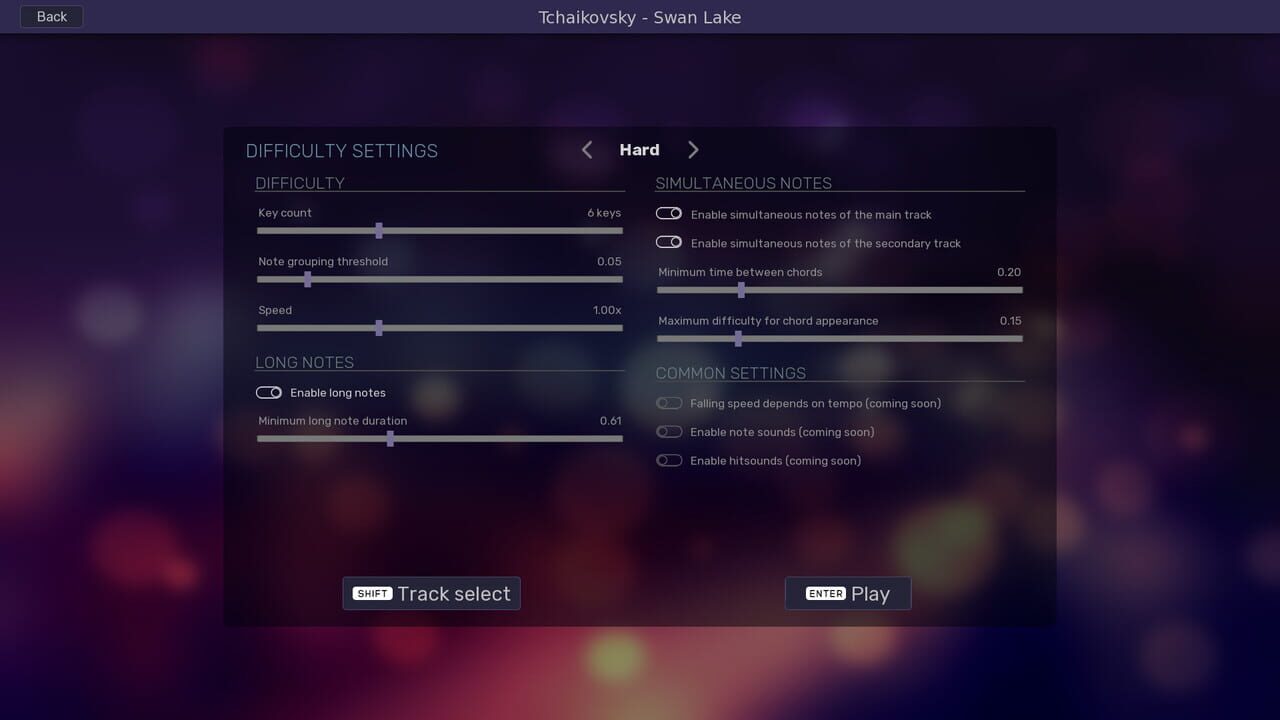
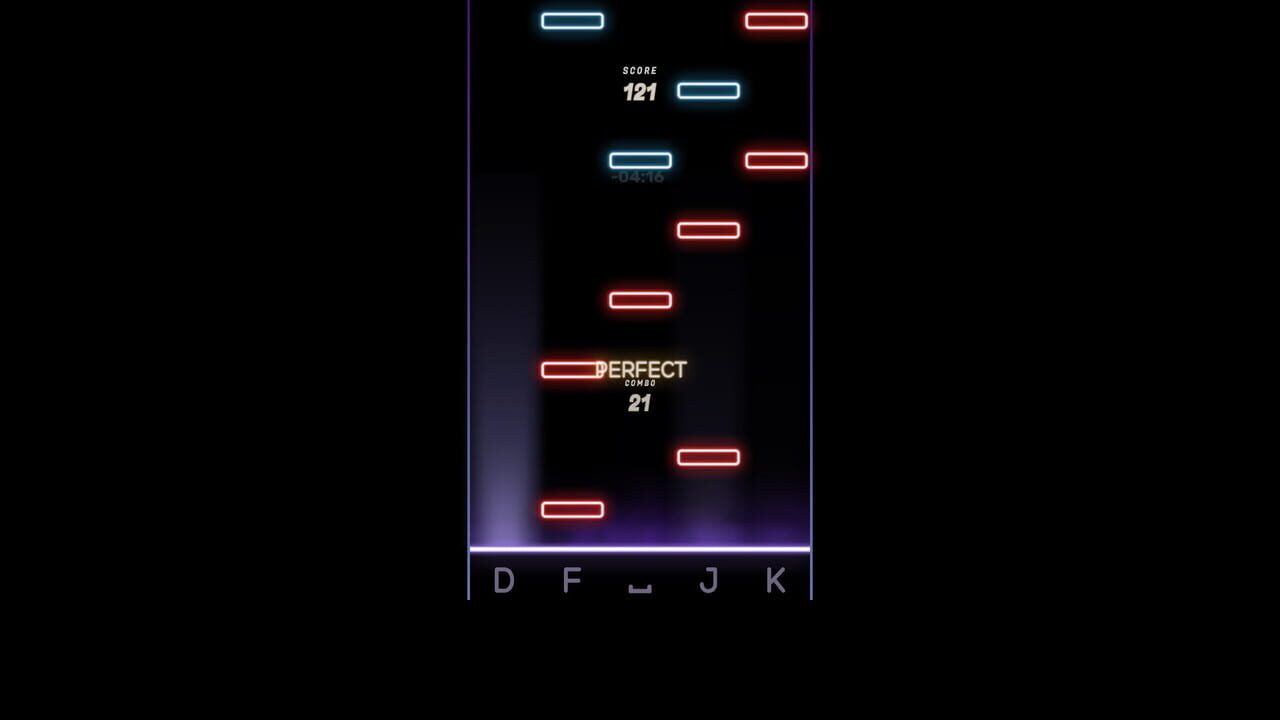
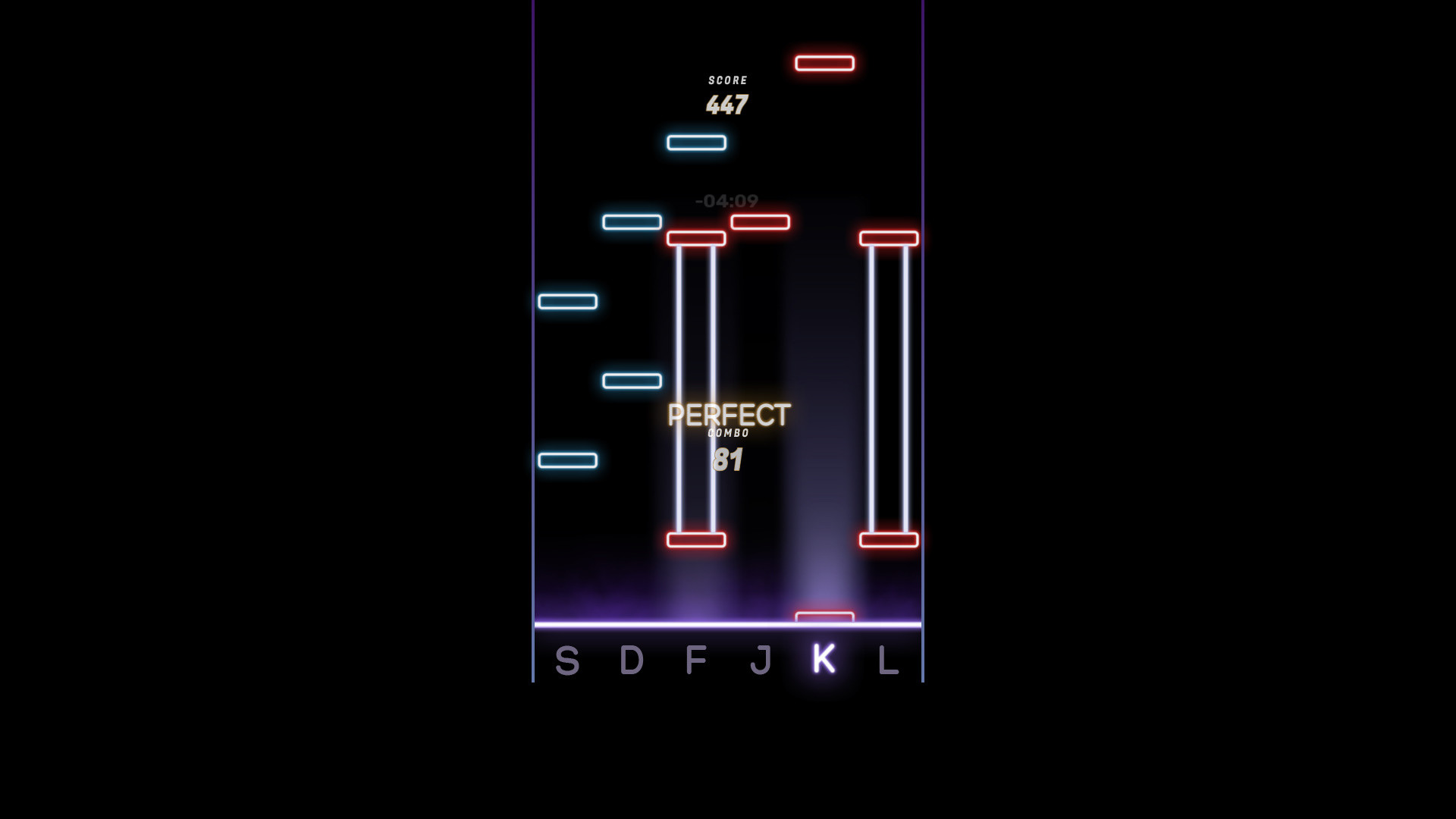
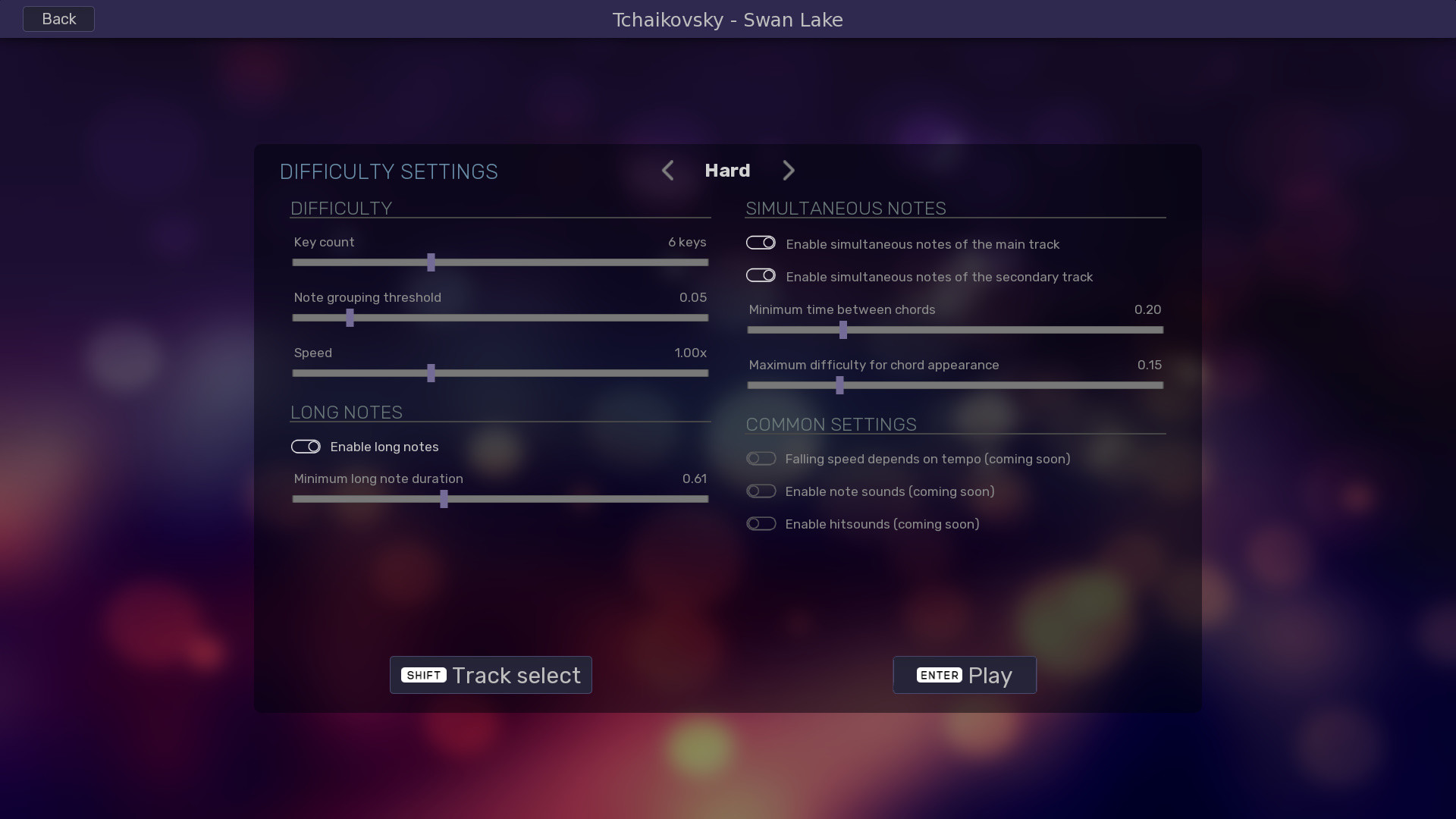
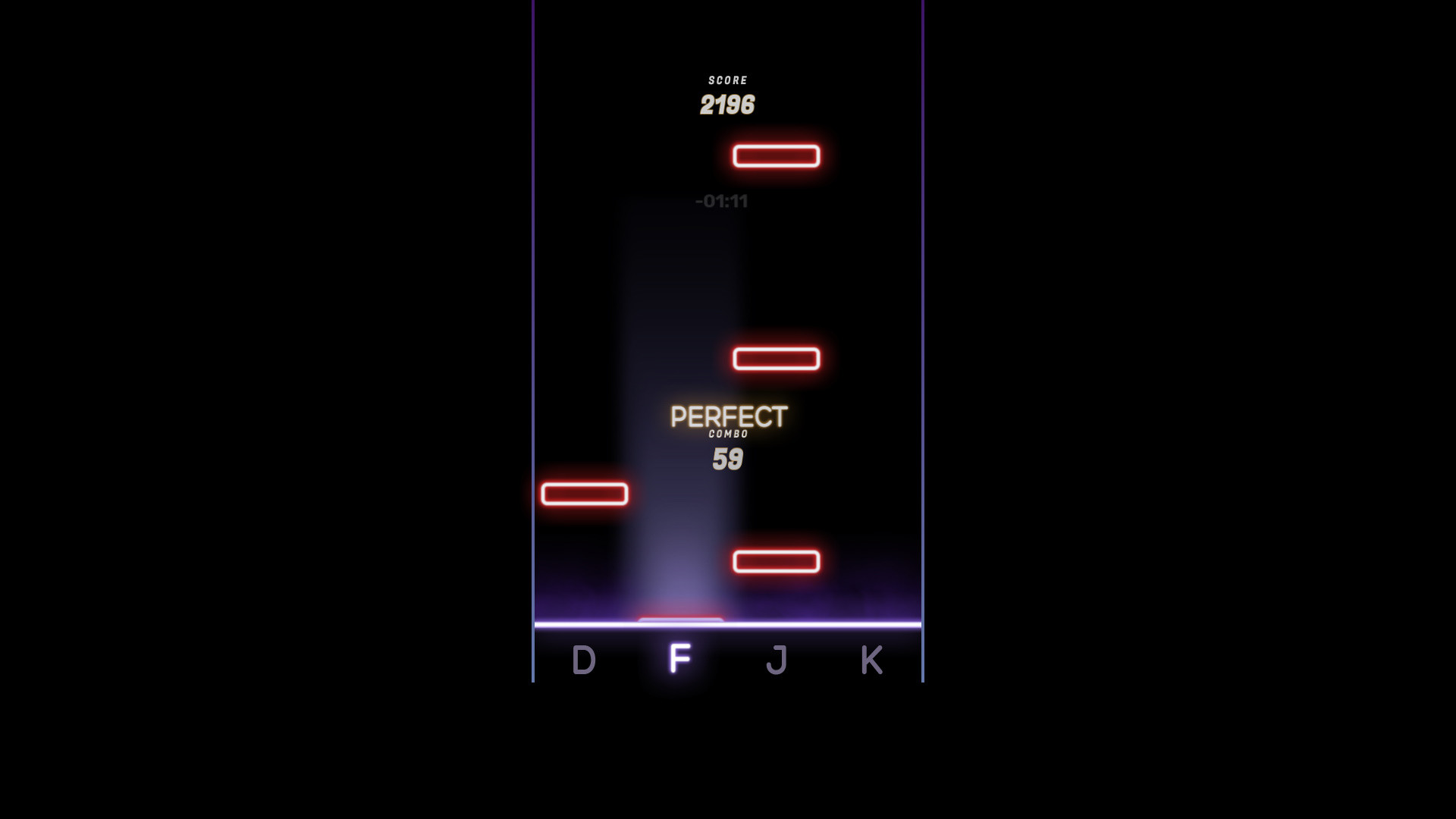
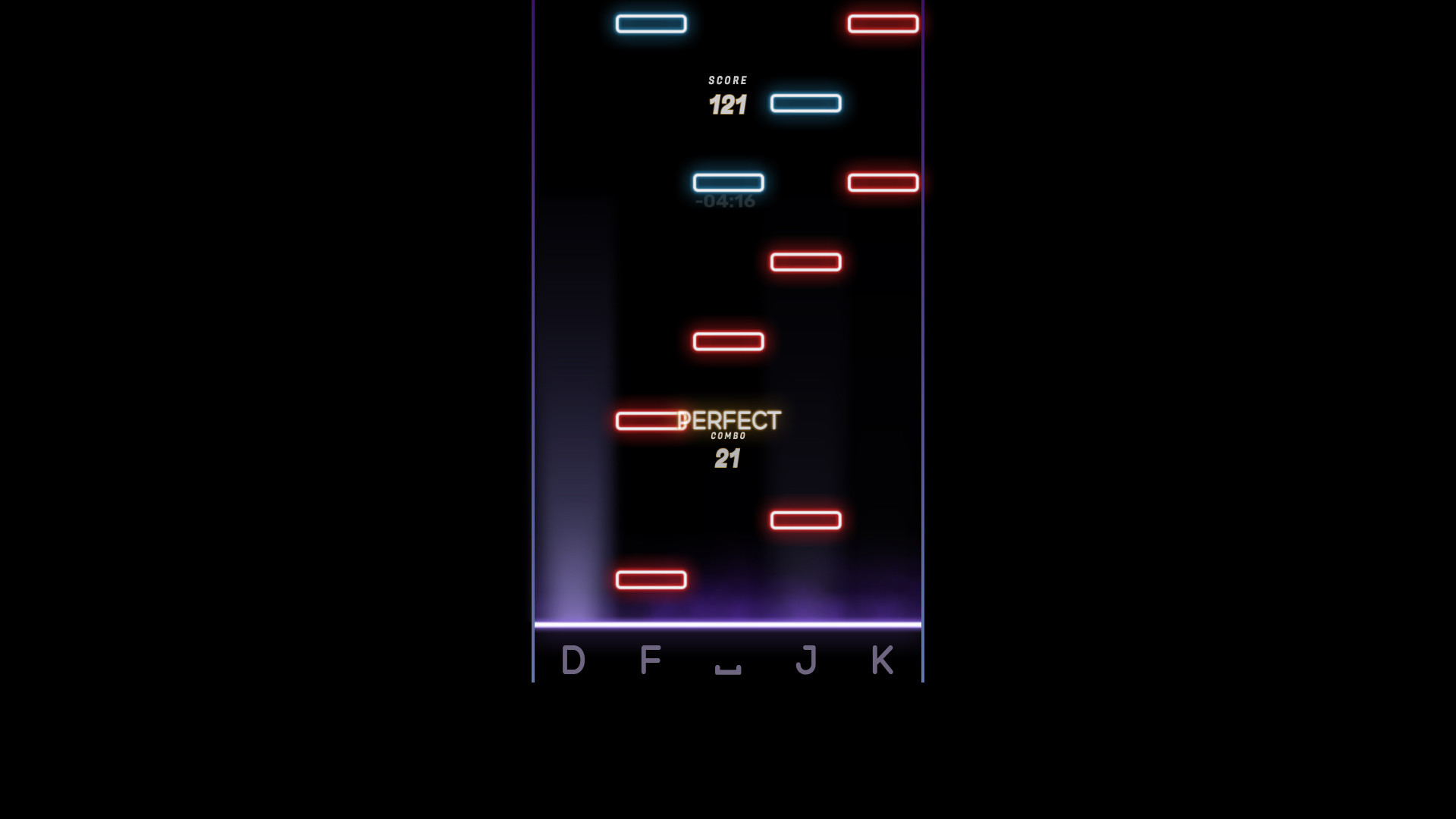
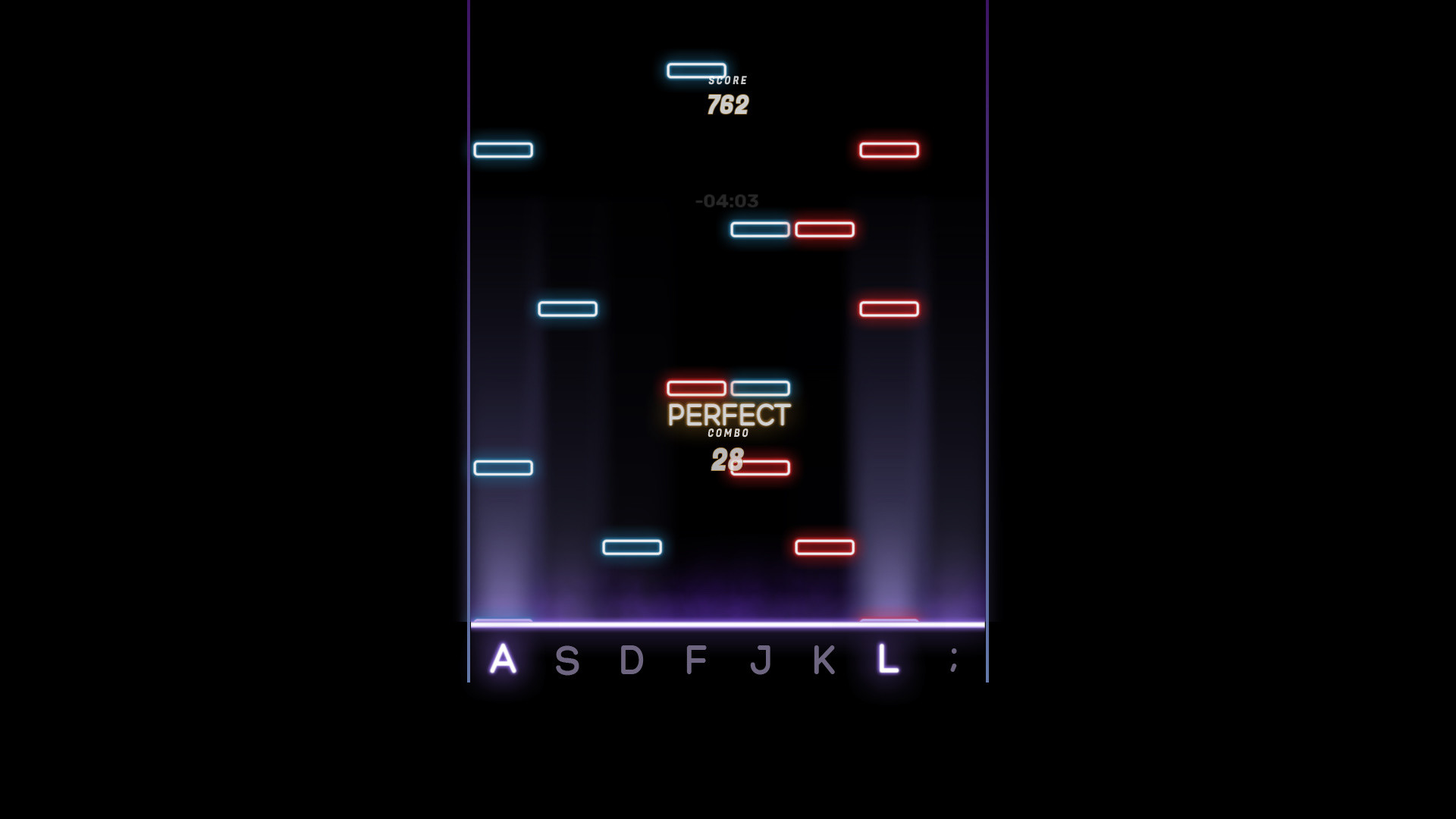
This mode uses MIDI files to auto-generate a large number of note patterns with various customizable difficulties and numbers of keys. Notes fall from top to bottom and the player will have to press the correct key for that specific note in time.- Сustomize the difficulty to suit your skills.
- Play in 4 - 5 - 6 - 7 - 8 - 9 - 10 key modes.
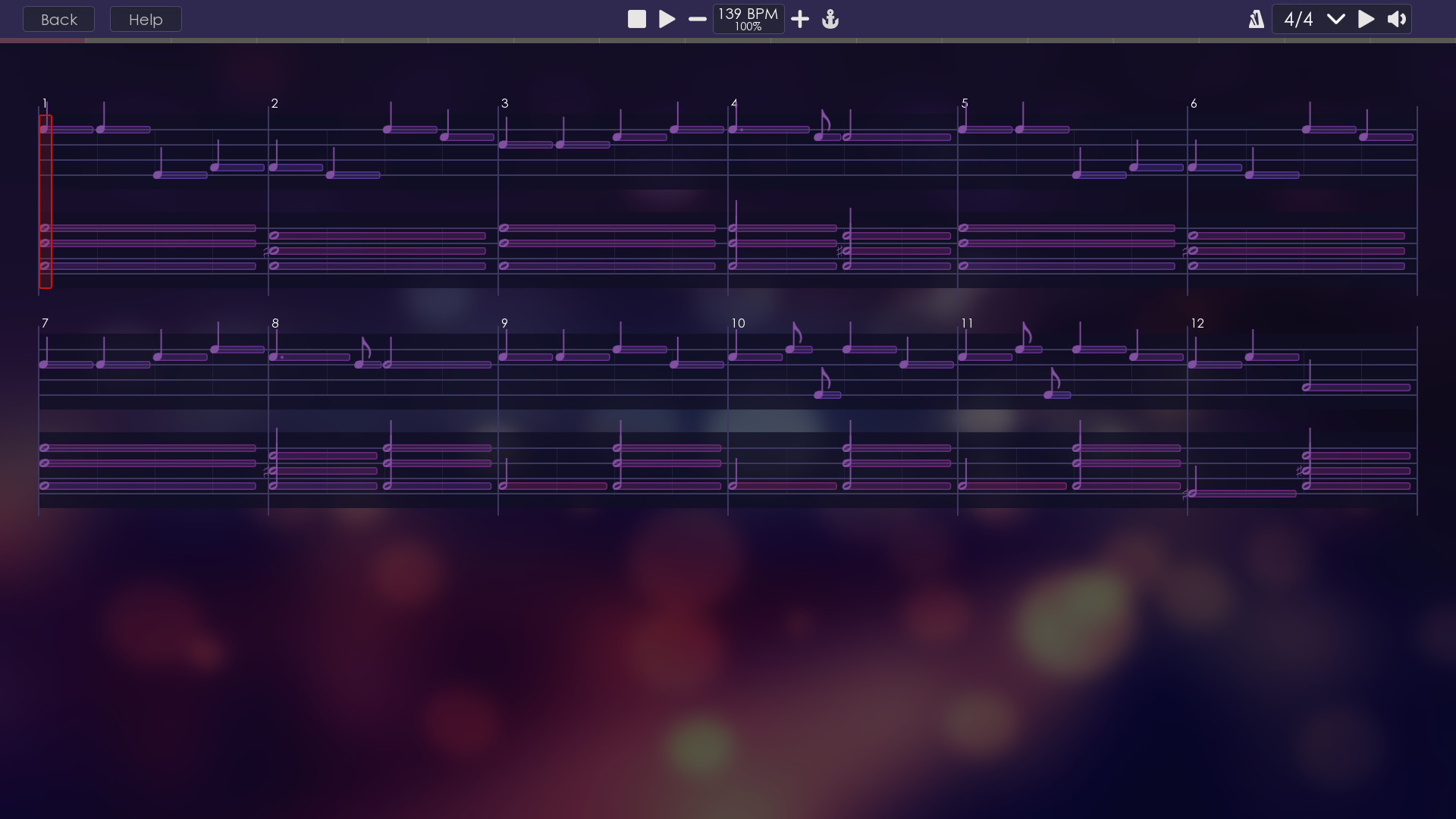
EasyPiano mode
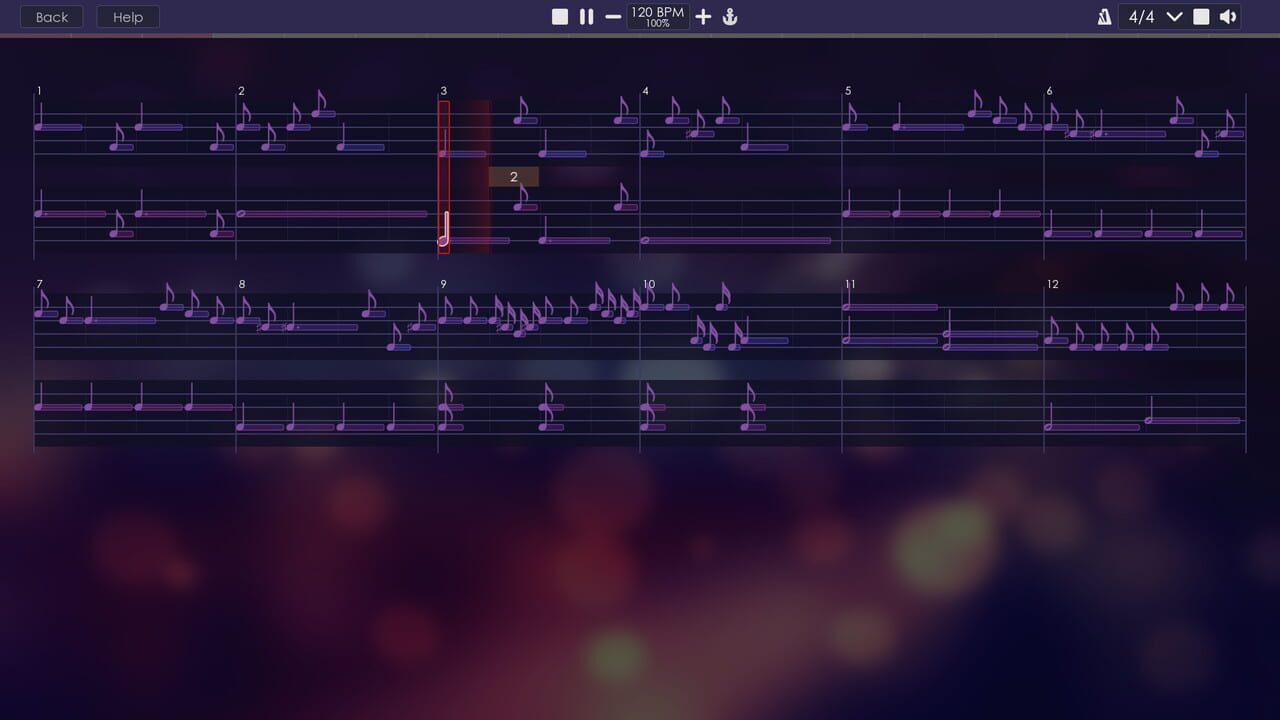
This mode uses a simple musical notation that anyone can figure out. Start playing your favorite piano songs by sheet music using just 8 PC keyboard keys.- Play in a unique way - Play the piano fully in a simple and convenient way, using only 8 keys of the PC keyboard instead of 88. In order to play your favorite melody, you don’t need to think and remember which key to press. Leave it to the computer – press any key.
- Learn to play notes - EasyPianoGame uses an original interface based on standard musical notation, only without the pitch of notes. This allows you to understand the reading of notes in just a couple of minutes.
Make sure to join our Discord to follow and take part in the game's development progress!
Éditions et prix Steam
Avis des joueurs Steam
Very nice game !
Mises à jour et Actualités
Added Falling Notes game mode!
Falling Notes game mode uses MIDI files to auto-generate a large number of note patterns with various customizable difficulty and number of keys. Notes fall from top to bottom and the player will have to press the correct key for that specific note in time. Сustomize the difficulty to suit your skills Play in 4 - 5 - 6 - 7 - 8 - 9 - 10 key modes
Update #2
In this protracted update, I have redesigned the mechanics of keystrokes. Many players noted that when mistakenly pressed, it is difficult to notice the error and continue to play. Now incorrect presses are marked in different colors and do not interfere with the game process as before. The reason for the delay in update is that I am simultaneously working on a new game mode (which finally makes EasyPianoGame a game) with falling notes. What is new: Added protection against erroneous presses (can be disabled in the settings) Added auto-detection of non-pressed keys (can be disabled in the settings) When a MIDI device is connected, you can take the volume from the device or from a song Added the ability to disable auto-sustain pedal Added welcome window and button for questions Inappropriate file warnings added Added Grootian language (just in case ːsteamfacepalmː) Bug Fixes: The metronome did not stop when it reached the end of the song Fixed many minor problems in the tutorial mode Training mode facilitated Sound delay reduced
Update #1
This is the first update of the game! The main thing I've added is a resolution change feature in the game settings. Many players had problems with an incorrect screen resolution, but there was no way to change the resolution. Therefore, the first thing I did was deal with this very problem. Now you can change the screen resolution, as well as run the game in windowed mode. Adding this feature required big changes in the game code, as a result of which I could not update the game as quickly as I planned. What is new: Resolution change feature Bug Fixes: Incorrect resolution recognition on dual-monitor machines The game did not see files with the extension .MID Incorrect count of the number of songs in a folder In the next update: Сhanging keystroke mechanics If you have questions or suggrstions please join our discord server {STEAM_CLAN_IMAGE}/35642202/55880cfe054f6aa399cf9e5c110b5a65f2556214.png