Runner
Description (IGDB)
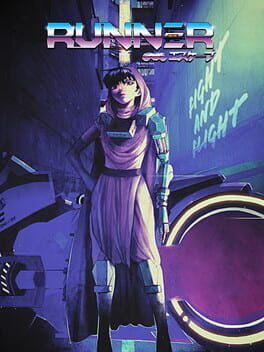
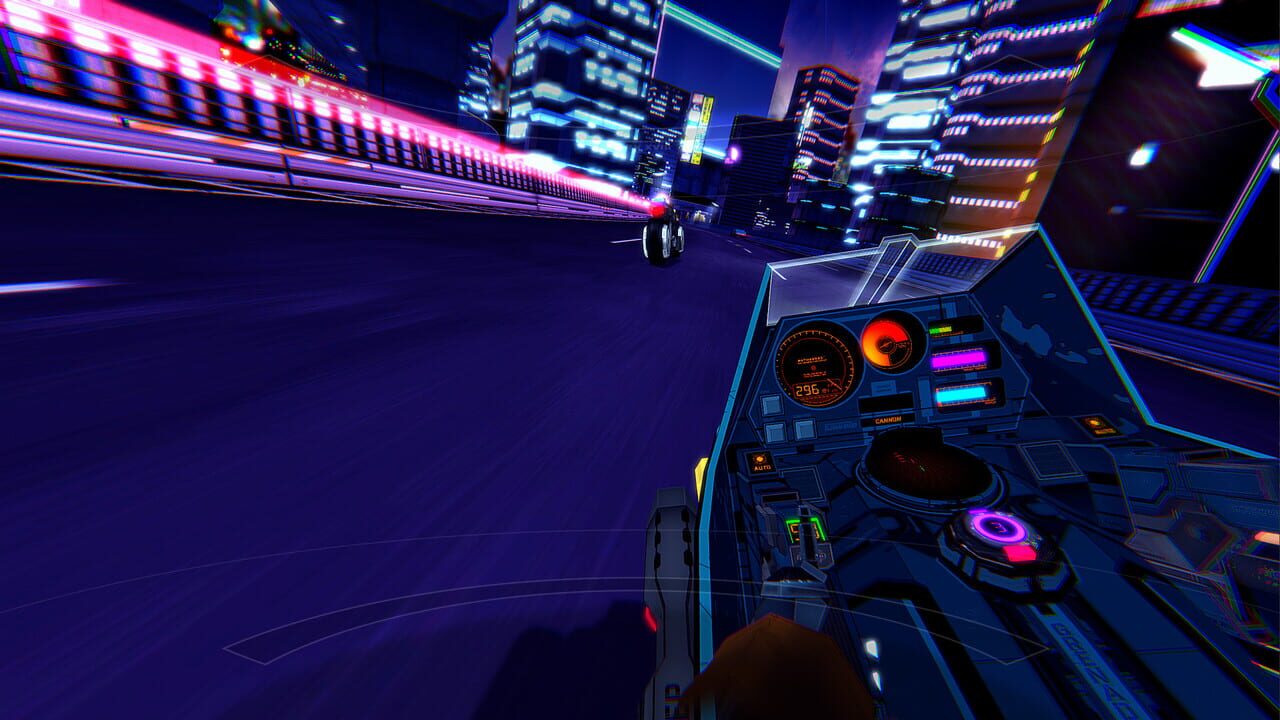
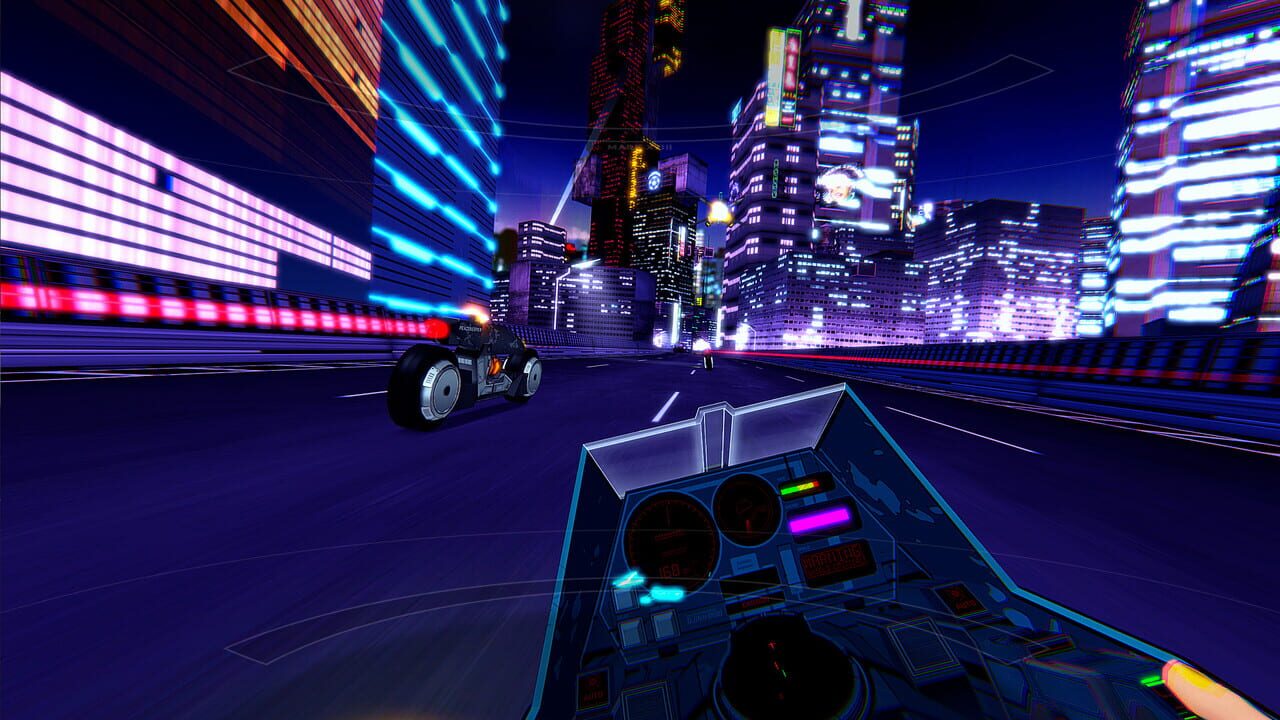
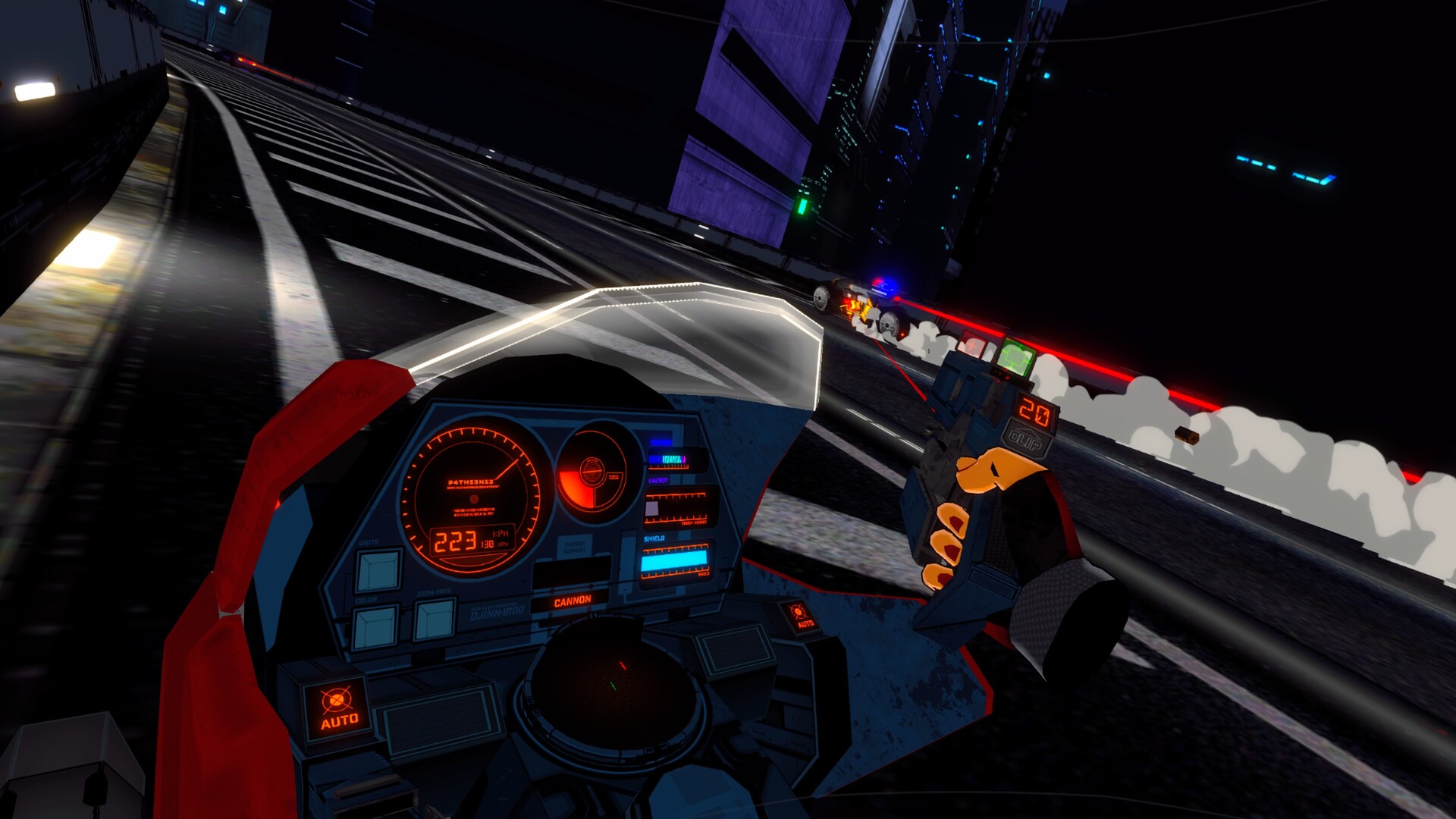
Runner is an arcade-inspired VR driving action game. Pursued by the forces of the Caldara corporation, Players must race through 7 sectors while fighting off relentless waves of autonomous corporate combat drones in this heavily stylized retro-futuristic anime-inspired VR arcade shooter.
Description en cours d'enrichissement.
Médias

Informations Steam
Description Steam (Français)

When there's nowhere left to hide, the only way out is through...
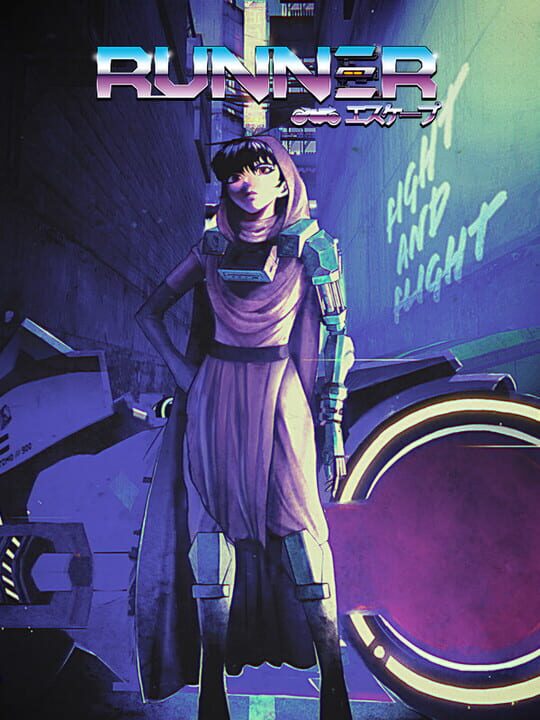
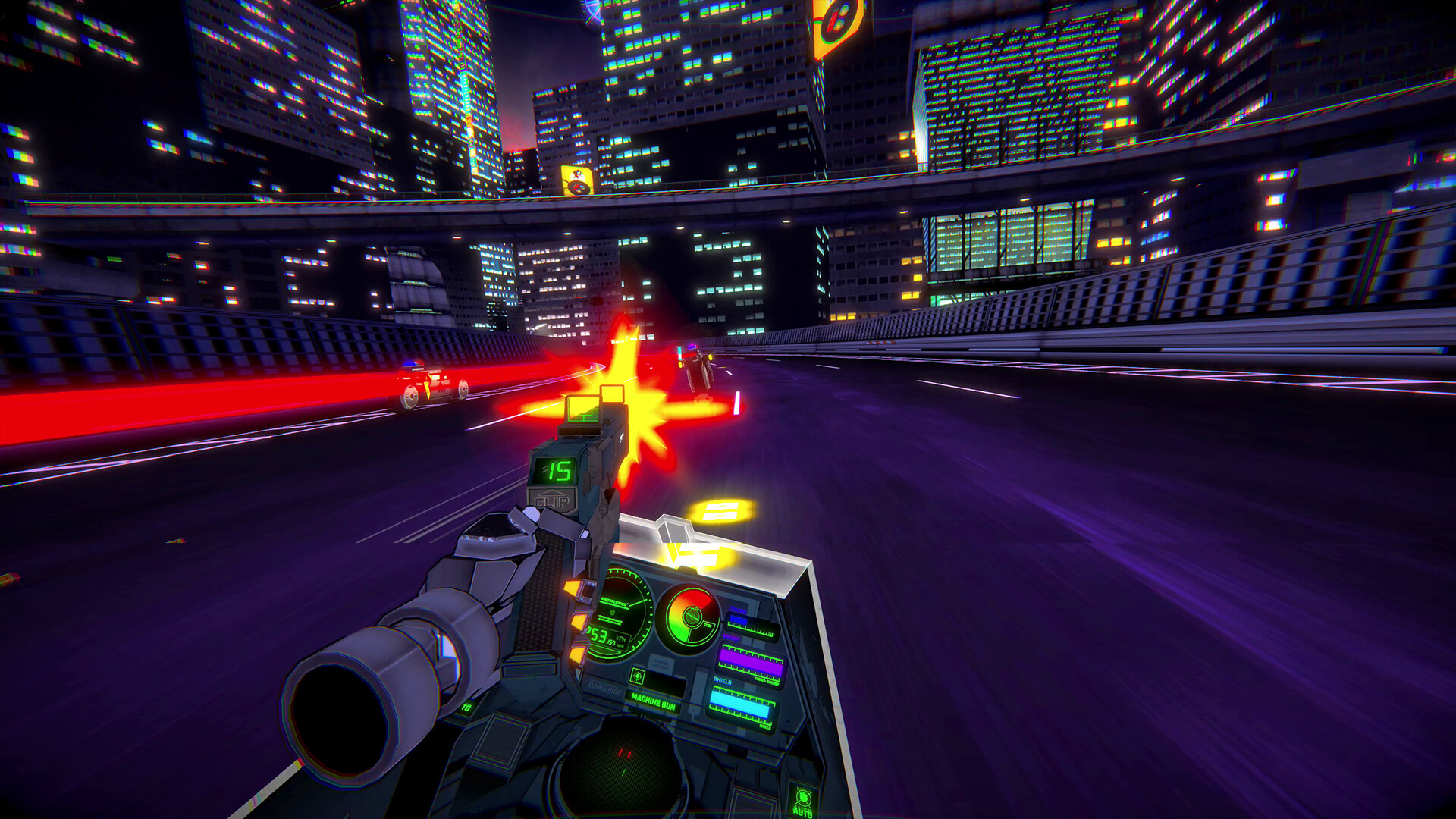
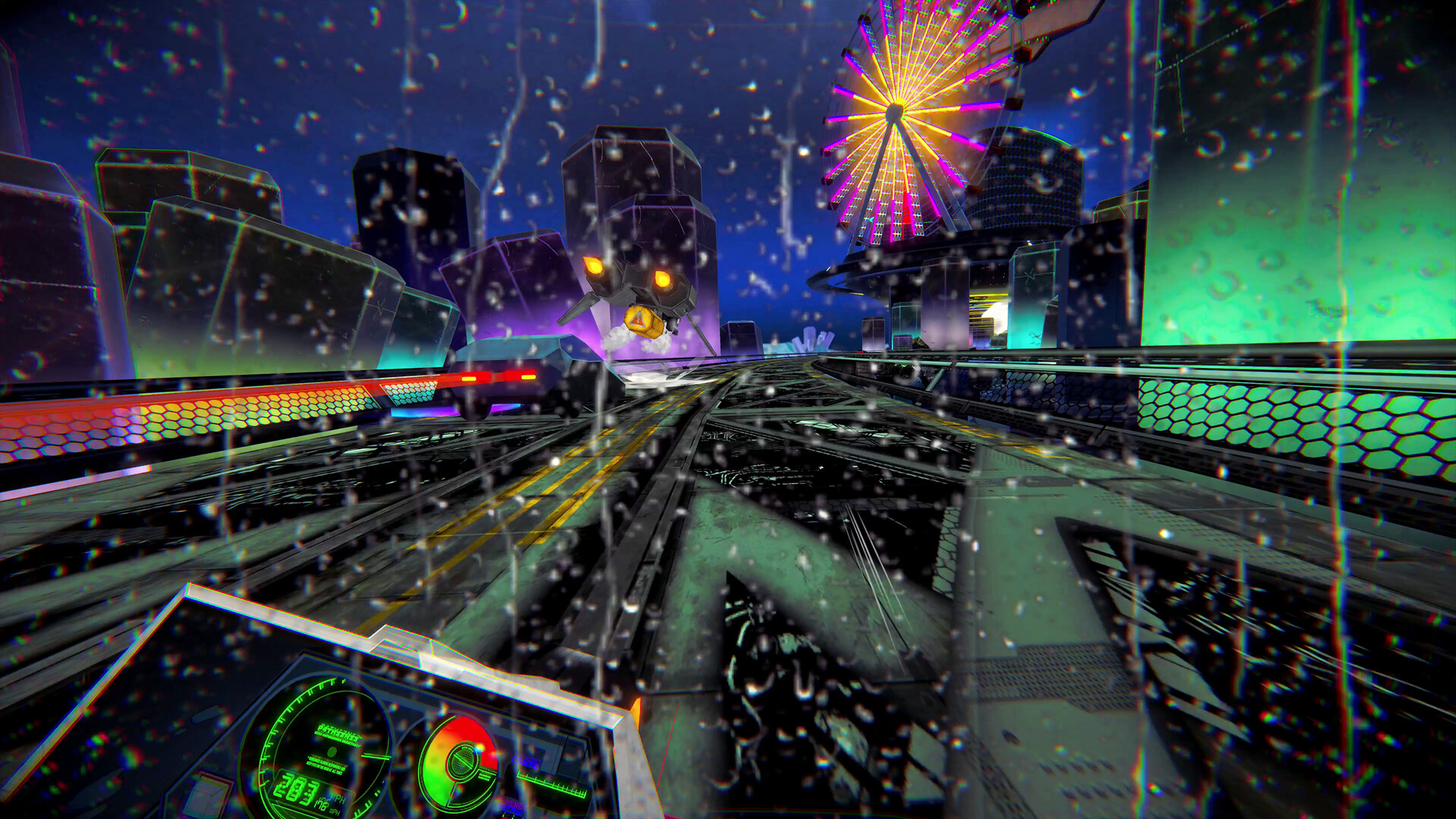
RUNNER is an arcade-inspired VR driving action game. Players take on the role of Mina, a rogue mod-courier at the center of a massive city-wide pursuit. Beginning in the heart of Presidium, the neon-drenched capitol of the mining colony moon N-351, Mina’s only means of escape is the “Thoroughfare,” a massive highspeed expressway that snakes through the entirety sprawling colony complex.
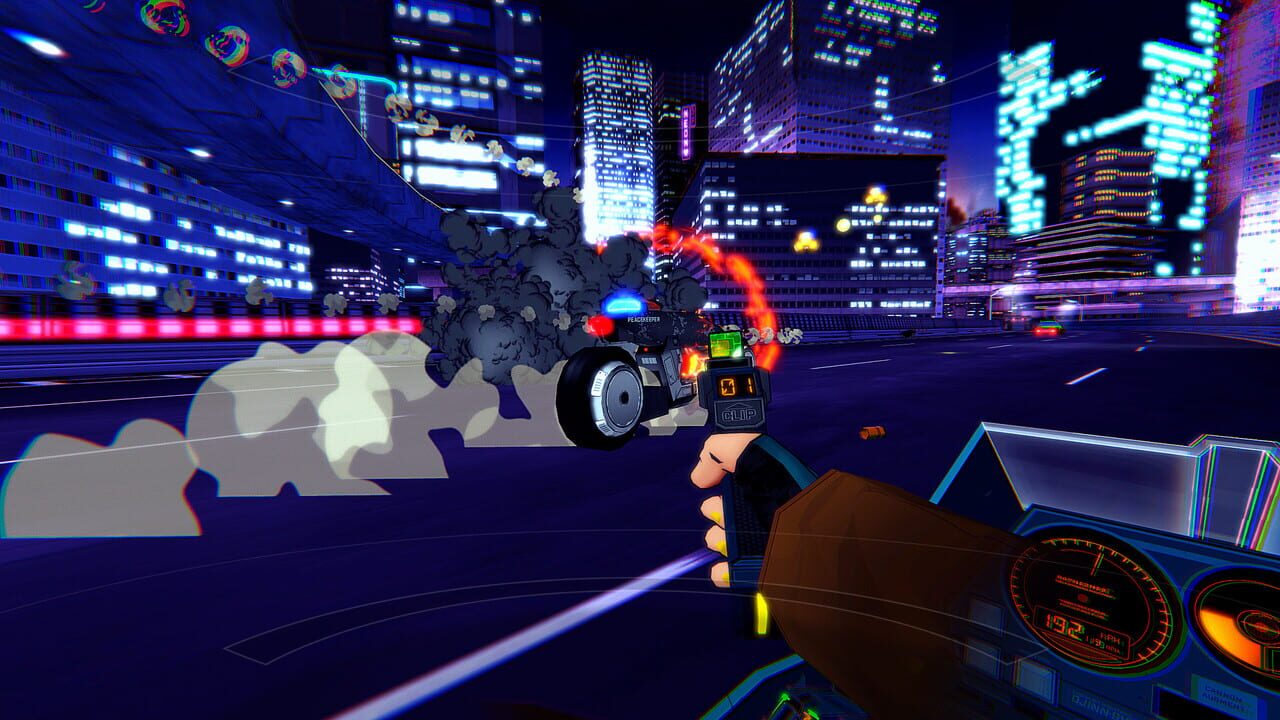
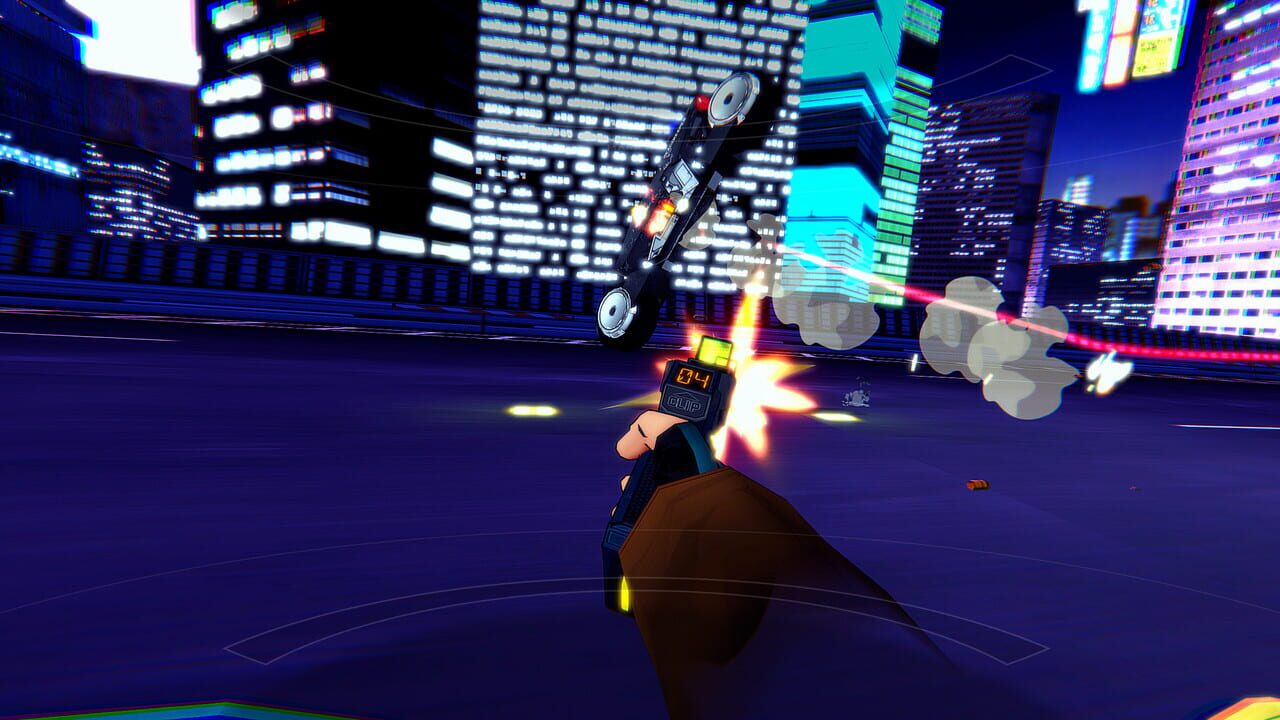
Pursued by the forces of the Caldara corporation, Mina must race through 7 sectors while fighting off relentless waves of autonomous corporate combat drones.
Using only their wits, their cybernetics, and a unique array of special abilities, the player will become the runner in this fast-paced, kinetic VR experience.
Features:
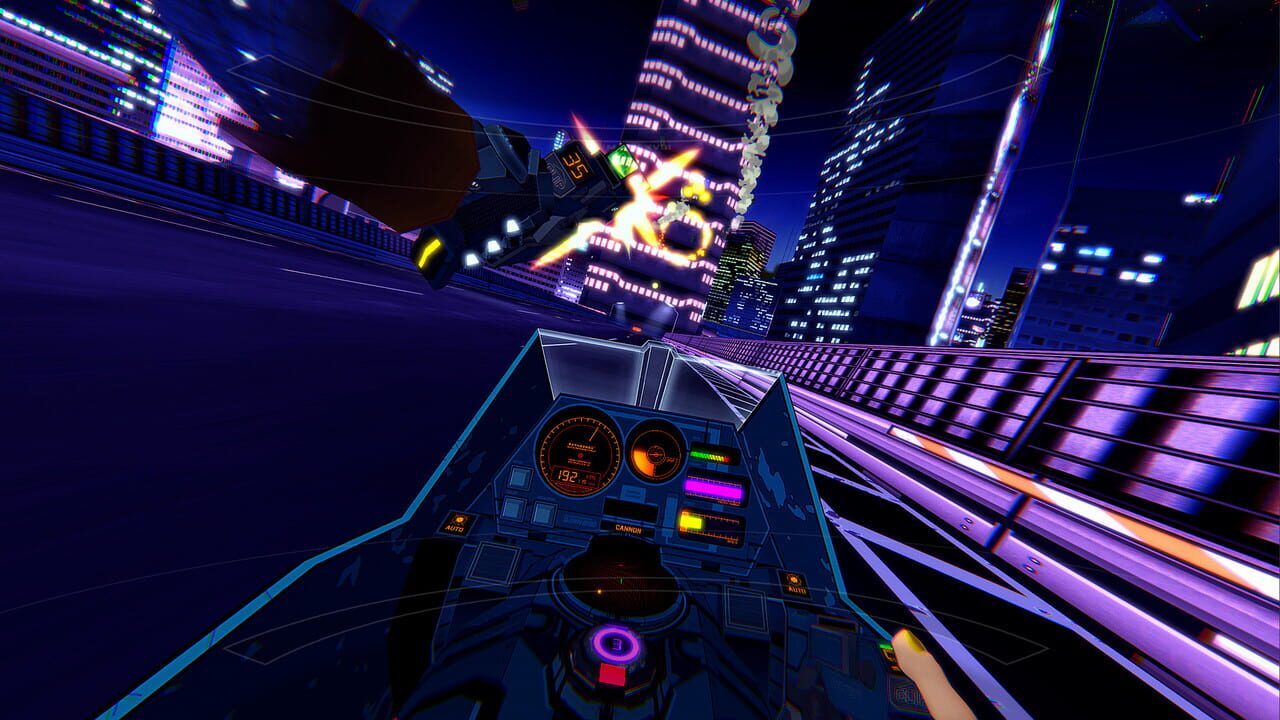
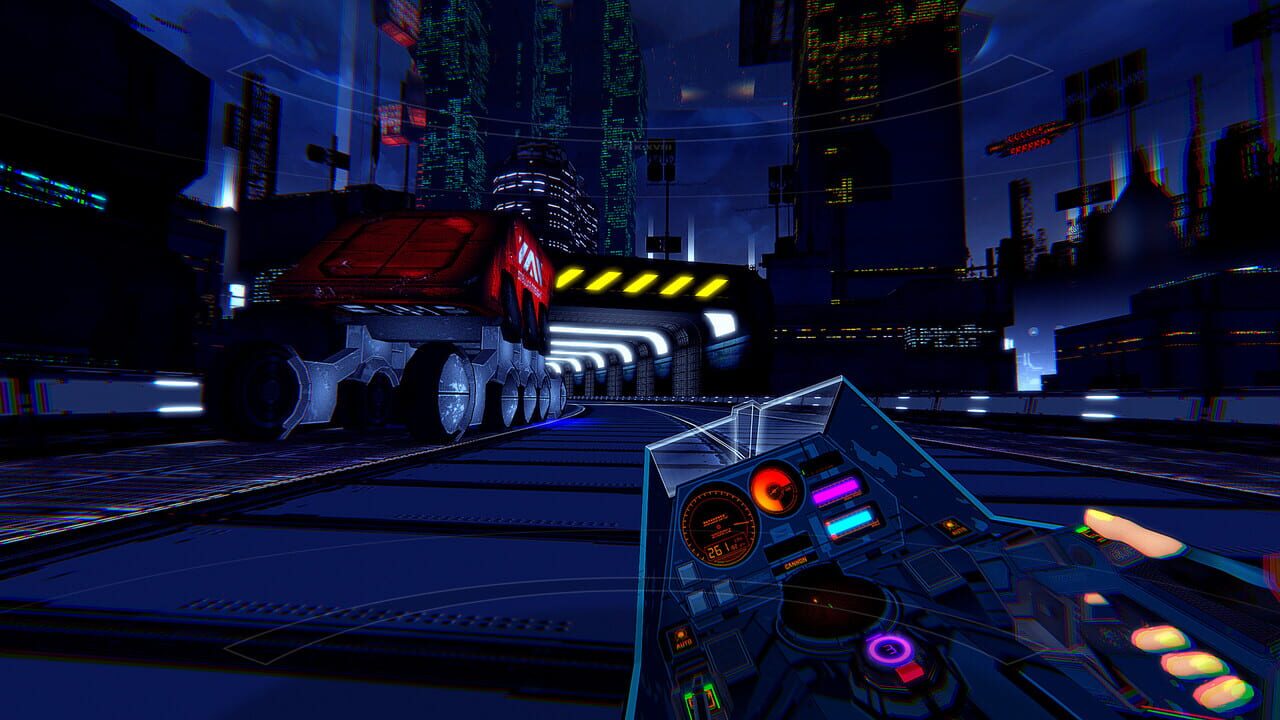
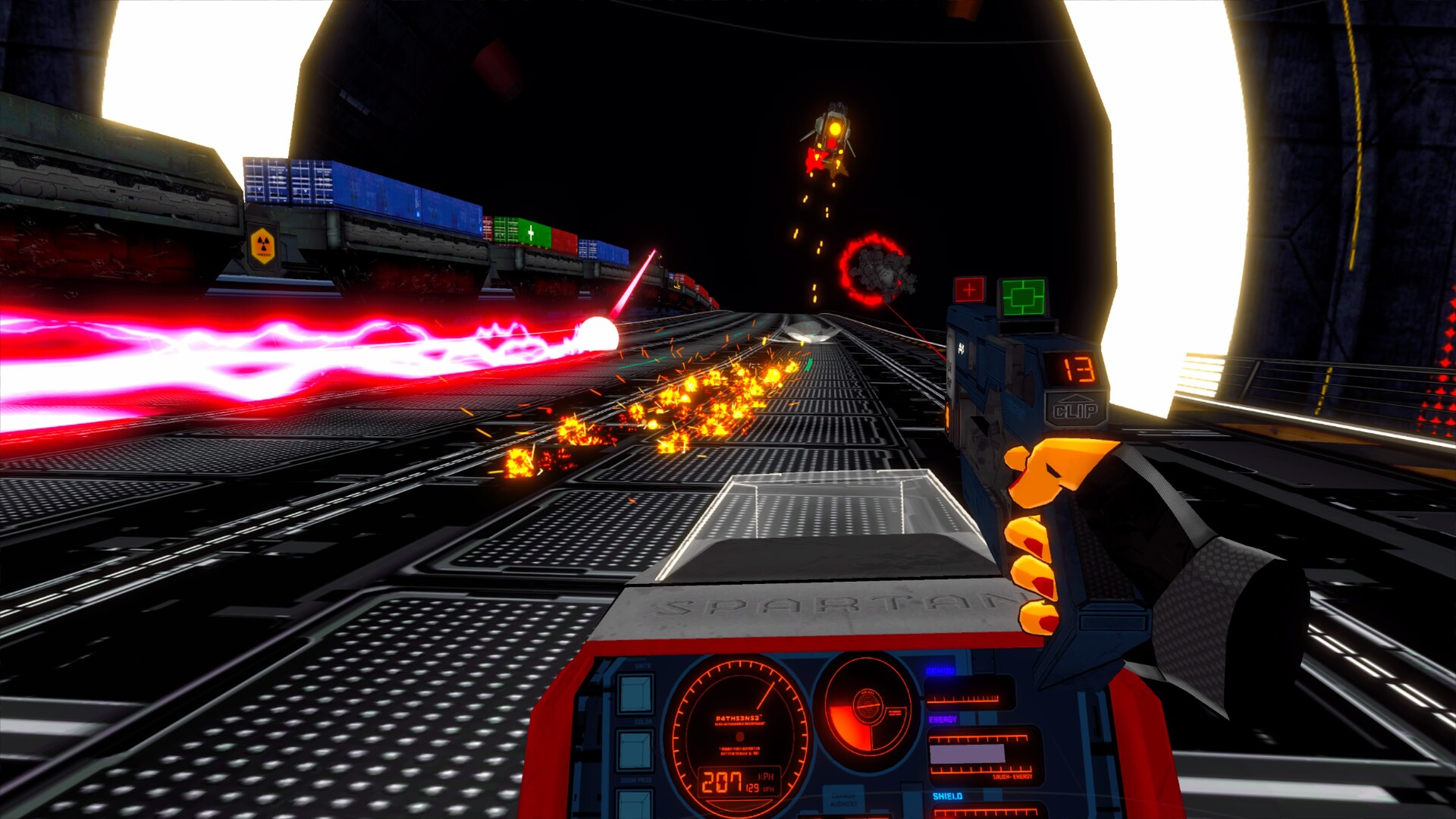
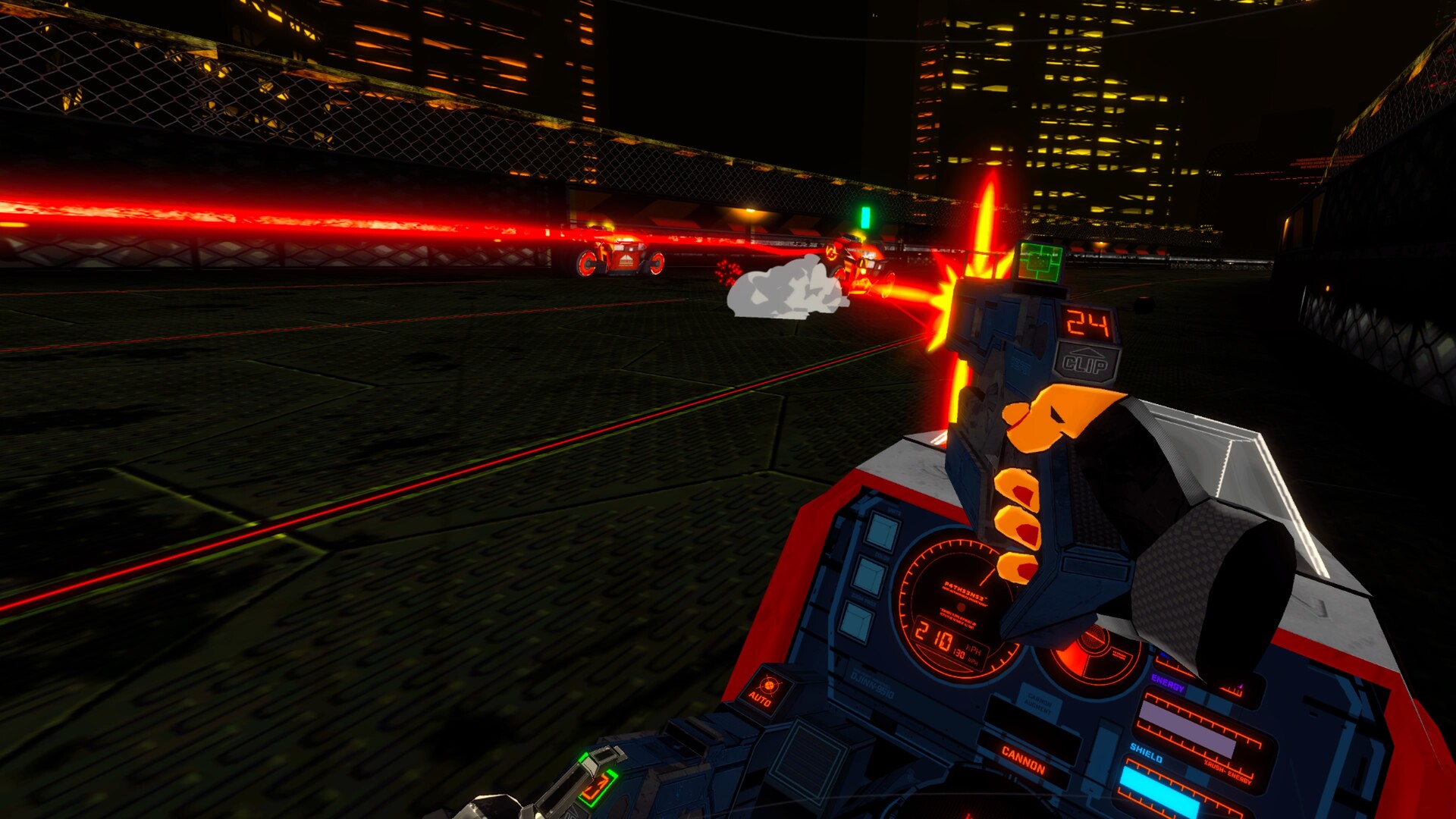
RUNNER features visceral first-person arcade driving combat that embraces the unique visual style of late 1980’s prestige anime.

Featuring high-speed combat, intense encounters and an incredible throwback soundtrack. When there's nowhere left to hide, the only way out is through.

⁍ Freeform 360-degree VR shooting
⁍ Blisteringly fast motorcycle combat with full maneuvering control
⁍ Unlockable bikes with unique attributes and abilities
⁍ Intuitive gameplay with upgradeable sidearm mods
⁍ Combine mounted gun upgrades to create unique weapons
⁍ Utilize missiles and grenades as part of your arsenal
⁍ Deflect incoming fire with the energy saber
⁍ Execute time-bending special moves with R.U.S.H. mode
⁍ 7 massive levels unique to every playthrough
⁍ 3 Additional bonus stages now available, with more to come
⁍ Revisit stages at your leisure with the Level Select
⁍ Try 'Cruising' mode: just you, the music, and the road
⁍ High-speed encounters with varied enemy types
⁍ Chain together combos for massive scores
⁍ Enormous and intense boss encounters
⁍ Fully-voiced narrative single-player experience
⁍ Featuring the voices of Steve Blum, Sandra Saad and Richard Epcar
⁍ Multiple difficulty and comfort options
⁍ Hidden achievements and global leaderboards
⁍ Features enhanced immersion with native bHaptics support
⁍ Includes a dynamic high-speed soundtrack by Fat Bard
The English release of RUNNER also features the fully-produced, fully-voiced visual novel experience PREAMBLE included for free!
PREAMBLE is a future-noir visual novel experience that tells the story of "Vice," a former smuggler turned corporate cog on the colony world of N-351.
Experience the events leading up to the opening moments of <RUNNER>
Featuring a fully voiced interactive narrative with a veteran cast
Unlockable CGs
An incredible vaporwave soundtrack composed by Fat Bard.
Avis des joueurs Steam
Mises à jour et Actualités
VR Headset Configuration Recommendations
Hello all!In anticipation of RUNNER's launch, we've been working to provide tools for players to achieve the best possible experience, while supporting an extremely broad and diverse set of hardware configurations and HMDs. This has been particularly challenging as we traditionally configure each release to a specific HMD (Meta Quest 3 native, PlayStation VR2, SteamVR, Pico VR) for that specific platform. We've worked hard to incorporate SteamVR / OpenXR / OpenXR_Oculus into RUNNER's PC release, but full functionality still requires tweaks from the user. As VR remains a fairly fractured platform, it's continued to present challenges when we don't have access to every possible hardware configuration. This gets even more complicated as new standards are introduced and others are deprecated; One major factor in RUNNER's long delayed Steam release is conflicts between different APIs if both are installed on the same system,As such, we've got some tips for players based upon how they interface with the game itself. Firstly, we strongly recommend players download the demo and use that to test the experience for their current setup, regardless of which headset they are using. We plan on looking at feedback from the demo to ascertain the best recommended settings for each headset type.Once you start the game, if you find the player hand orientation has not been automatically detected correctly, click on the "HAND" menu in from main game menu (also the in-game pause menu). This will allow you to tweak your hand orientation exactly. We have a couple of presets in place for the most common grip positions, though these are based upon the Oculus OpenXR plugin and may vary based on the exact headset being used. I recommend starting with any one of these as a default, then customizing it for your particular headset.For Meta Quest headset users:We strongly recommend using Steam Link or Virtual Desktop for the best experience.if using Steam Link, set your Hand Type to the PRESET A or PRESET B Preset.if using Virtual Desktop, set your Hand Type to the Custom preset.All of the hand presets can be adjusted to your preferenceIf choosing to use Oculus Link directlyThe native experience should run without additional need to configure settings, though you may need to recenter your position once you enter the game.Some players have noticed games "shaking" with fine movements when using link. Updating GPU drivers may fix this issue.if choosing to use Steam Link / Virtual Desktop,We recommend forcing 72 hertz if you notice the in-game hands stuttering. Higher refresh rates will still work fine for general gameplay, but we've had some reports from players about this issue, and this seems to be the simplest remedy (we do not force panel refresh rates in-app). Otherwise we've had no problems running the game at 90 hz via VD.If, when playing the game, you are unable to hear music, you may need to be sure the Meta Quest Link app is not running in the background, as this can create conflicts with the FMOD driver that powers the reactive music in the game. If this issue persists, we've found temporarily disabling or uninstalling it completely will fix the issue.Ultimately, because we simply do not have access to all of the possible hardware permutations out there, I'm hoping feedback from the demo experience can help us define some additional presets.Another major issue we ran into was opening the pause menu mid-game. Due to the somewhat limited number of buttons available, we've enabled a chord that should allow folks to easily pull up the pause menu without hitting it accidentally mid play. To pause the game, hit:B BUTTON + LEFT STICK PRESS (L3)Lastly - Out of gratitude for everyone's patience, we wanted to emphasize that the final game will include PREAMBLE for free, as a thank you for your continued support!